 ZigDash
A fast Zigbee2MQTT dashboard for your phone and wall tablet
Sign in with Home Assistant if Zigbee2MQTT runs there, or connect to the broker on your hub: an SMLIGHT SMHUB, a Raspberry Pi, any Linux box. Your dashboard builds itself from your devices. No Home Assistant needed, and it works with Home Assistant too.
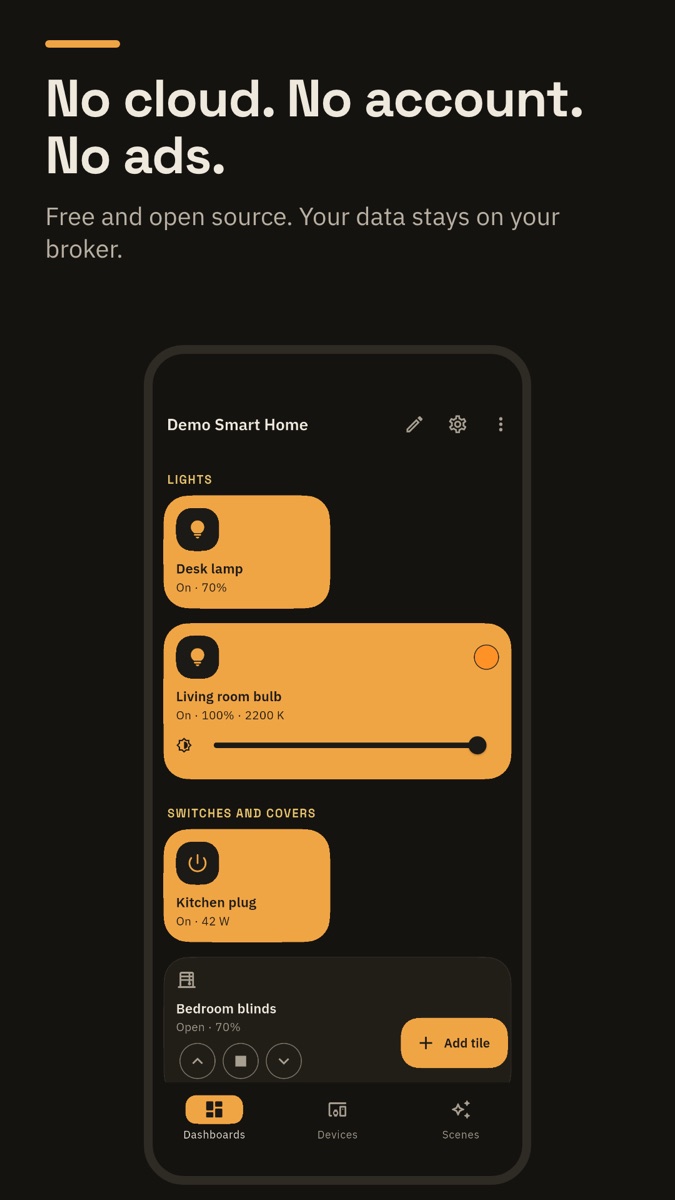
Free for Android, with an optional one-time Pro. No account, no ads. Needs Zigbee2MQTT; ZHA (Home Assistant's built-in Zigbee) is not supported. No hub yet? Try the demo home in the app.
A lean setup
| With Home Assistant | With ZigDash alone | |
|---|---|---|
| What you need | A server running Home Assistant and Zigbee2MQTT | A small hub running Zigbee2MQTT |
| What to maintain | Home Assistant, its apps, updates, backups | Nothing extra: ZigDash is an app, and it backs up your hub daily |
| Dashboard | You build it yourself | Builds itself from your devices |
| Automations and alerts | In Home Assistant | On the hub itself (ZigDash Engine), even when your phone is off |
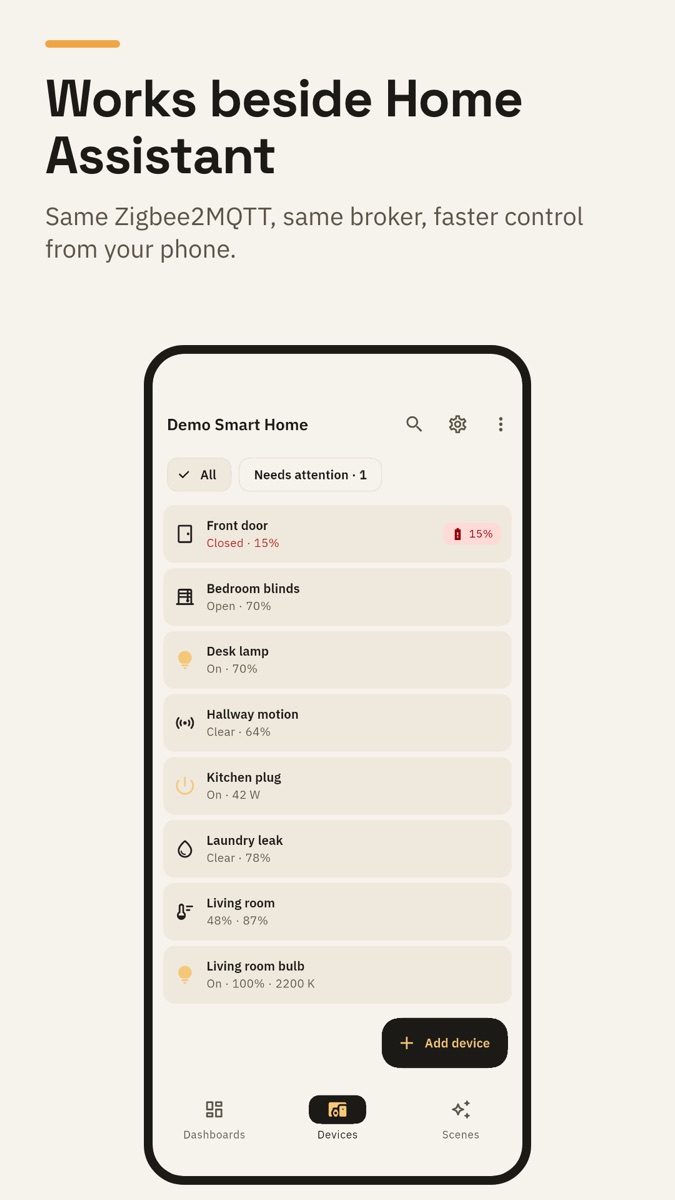
Already on Home Assistant? Sign in to it from ZigDash and keep everything you have. How it works
What it does
Builds itself
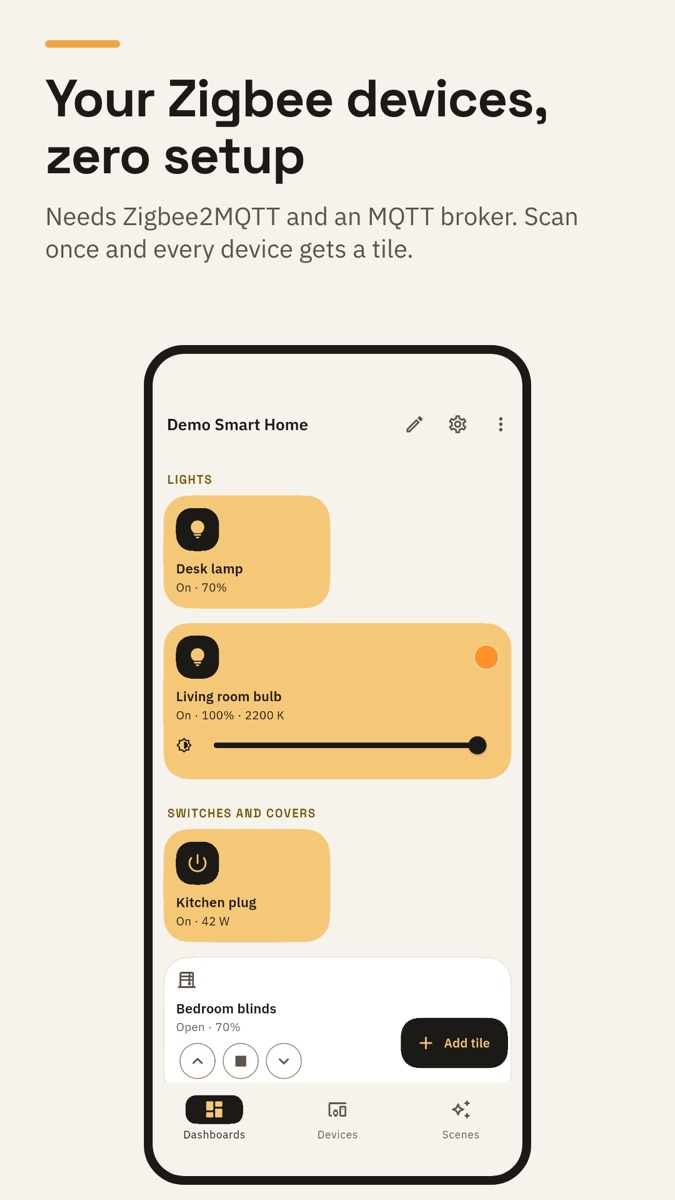
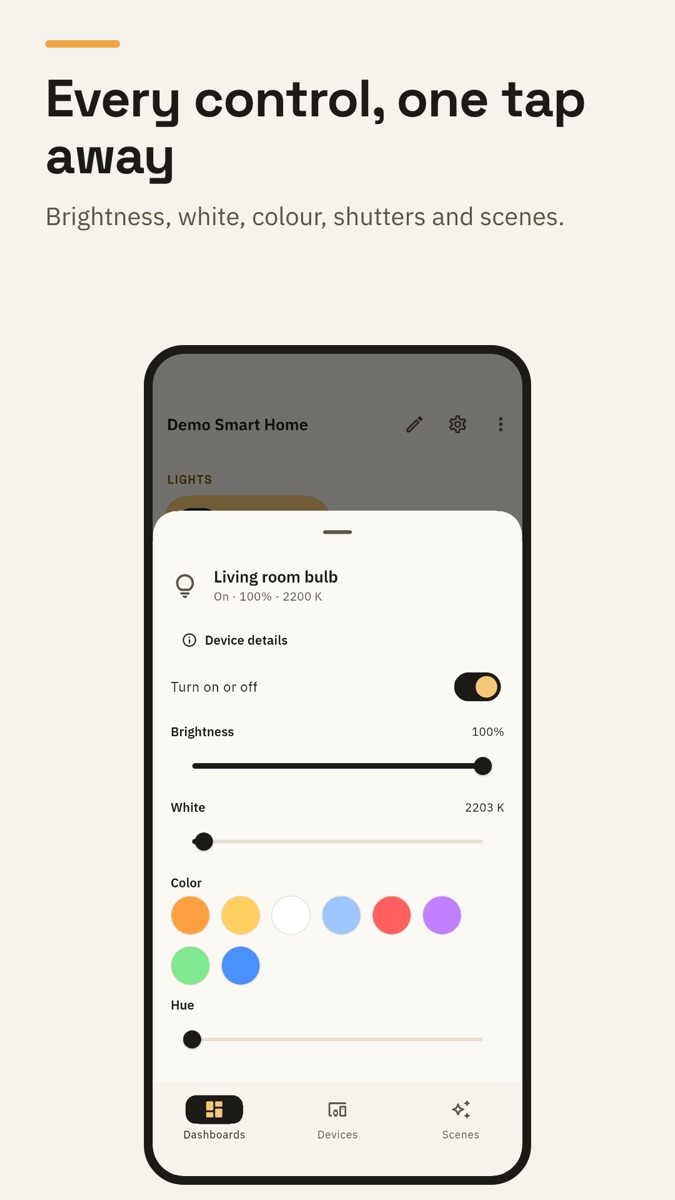
Finds your broker or Home Assistant, reads your Zigbee2MQTT devices and makes a tile for each one: lights, shutters, plugs, switches, sensors, thermostats. Custom MQTT tiles for anything else.
Signs in to Home Assistant
Share or paste the address from the Home Assistant app and sign in. ZigDash talks to Zigbee2MQTT through it, at home or away.
History
Temperatures, power and doors over days, recorded on your hub by ZigDash Engine even when your phone is off. Today is free; 7 and 30 days are in Pro, with a 14-day free trial.
Automations on your hub
"When the door opens, turn on the hall light." Rules run inside Zigbee2MQTT, with your phone off and the internet down. Three per home are free.
Alerts
A leak, smoke, an open door or a low battery reaches every phone of the home, even when ZigDash is closed, encrypted end to end from your hub.
Wall tablet
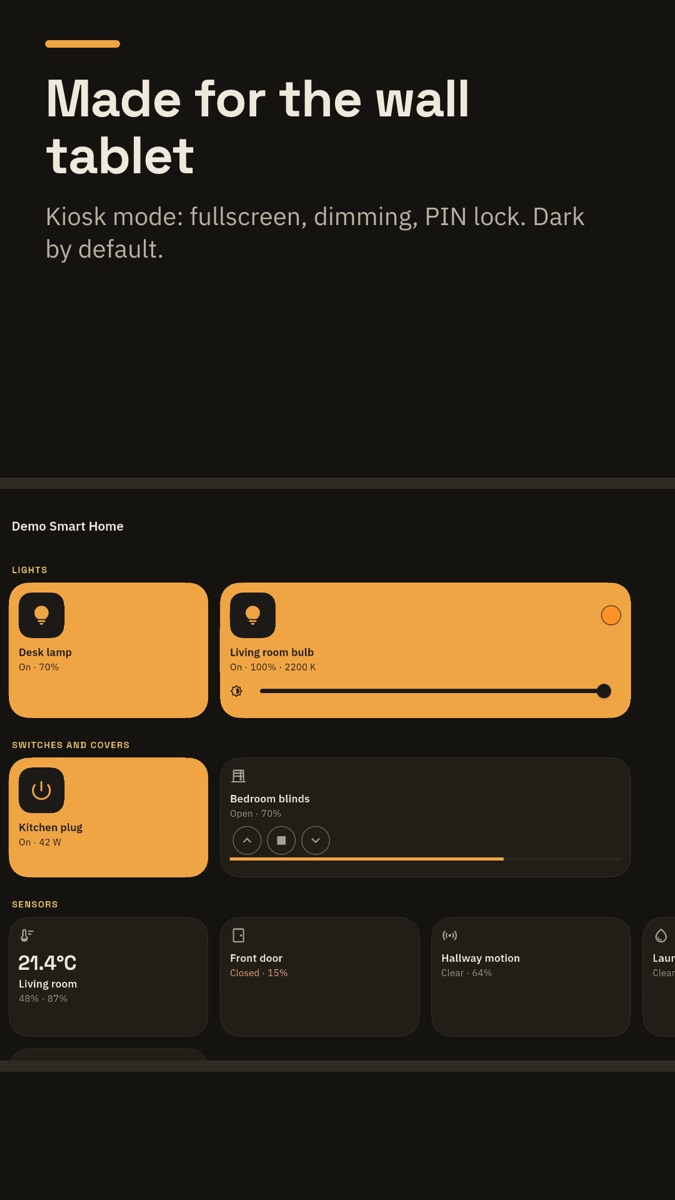
A wall display with a clock and a kiosk lock, free. Pro adds readings on the clock, wake on motion, a night schedule and alarms. Set one up
Without opening the app
Home-screen widgets, Quick Settings tiles and Android's device controls.
Hub backup
A daily copy of Zigbee2MQTT's settings, Zigbee network and device names, kept on your phone, to bring a reset hub back.
Remote control
From anywhere through the encrypted ZigDash relay, in Pro: one payment, no monthly fee, no port forwarding or VPN.
Private
Your devices stay on your network, with no cloud account. Anonymous usage data, which you can turn off.
Setting up
- Connect your phone to your home Wi-Fi. The scan only finds what is on the same network.
- Open ZigDash and tap Find my setup. It looks for Home Assistant, your MQTT broker and Zigbee2MQTT.
- On Home Assistant, choose Sign in with Home Assistant. Otherwise use your broker's login if it asks for one.
- Not found? Type your hub's address (for example 192.168.1.20) and tap Check this address.
Stuck? Tap Get help in the app, ask in the Telegram group or open an issue.
Open source
ZigDash is MIT-licensed and built by a Zigbee2MQTT user. The code and issues are on GitHub. Pro is an optional one-time purchase on Google Play; nothing that is free today becomes paid.